 e30ae8ed09
- App.tsx: full navigation (Auth stack + Main tabs with 5 screens)
- Auth: LoginScreen, RegisterScreen, ForgotPasswordScreen
- HomeScreen: dashboard with IoT metrics, weather widget, alerts, quick actions, sensors
- MapScreen: interactive map with layer toggles (6 layers)
- MarketplaceScreen: categories (6), products (5), search
- ChatScreen: AI chat with quick prompts (4), bot responses
- ProfileScreen: user info, stats, menu (9 items), logout
- AlertsScreen: alert list with severity, acknowledge
- SensorsScreen: sensor list with type filters (6 types), search
- ZonesScreen: zone cards with stats
- SettingsScreen: language picker (FR/EN/ES/DE), privacy, about
- Stores: iotStore (sensors, zones, alerts), notificationStore, uiStore + i18n
- Hooks: useSensors, useAlerts, useNotifications, useLocation
- Components: Card, Button, LoadingSpinner, ErrorBoundary, Header
- Services: iotService, notificationService (with axios API client)
- Utils: formatters (temp, AQI, noise, dates), validators (email, password, IBAN)
- Theme: colors.ts with full design system (Blue Ocean palette)
- Ditto: fixed MongoDB connection, new JWT secrets, official gateway image
QRCode Terminal Edition 
Going where no QRCode has gone before.
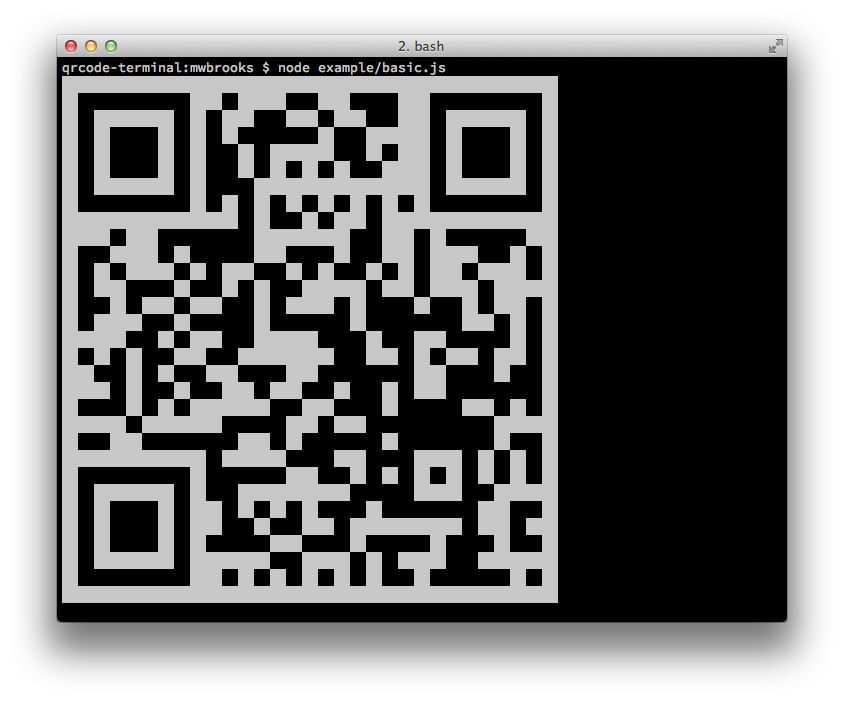
Node Library
Install
Can be installed with:
$ npm install qrcode-terminal
and used:
var qrcode = require('qrcode-terminal');
Usage
To display some data to the terminal just call:
qrcode.generate('This will be a QRCode, eh!');
You can even specify the error level (default is 'L'):
qrcode.setErrorLevel('Q');
qrcode.generate('This will be a QRCode with error level Q!');
If you don't want to display to the terminal but just want to string you can provide a callback:
qrcode.generate('http://github.com', function (qrcode) {
    console.log(qrcode);
});
If you want to display small output, provide opts with small:
qrcode.generate('This will be a small QRCode, eh!', {small: true});

qrcode.generate('This will be a small QRCode, eh!', {small: true}, function (qrcode) {
    console.log(qrcode)
});
Command-Line
Install
$ npm install -g qrcode-terminal
Usage
$ qrcode-terminal --help
$ qrcode-terminal 'http://github.com'
Support
- OS X
- Linux
- Windows
Server-side
node-qrcode is a popular server-side QRCode generator that
renders to a canvas object.
Developing
To setup the development envrionment run npm install
To run tests run npm test
Contributers
Gord Tanner <gtanner@gmail.com>
Micheal Brooks <michael@michaelbrooks.ca>